
A bakery owner in Savannah, Georgia, discovered her shop on Townreach with an old phone number and closing time. Customers had been calling a disconnected line. Claiming the listing took less than a day and put her back in control of the details people rely on.
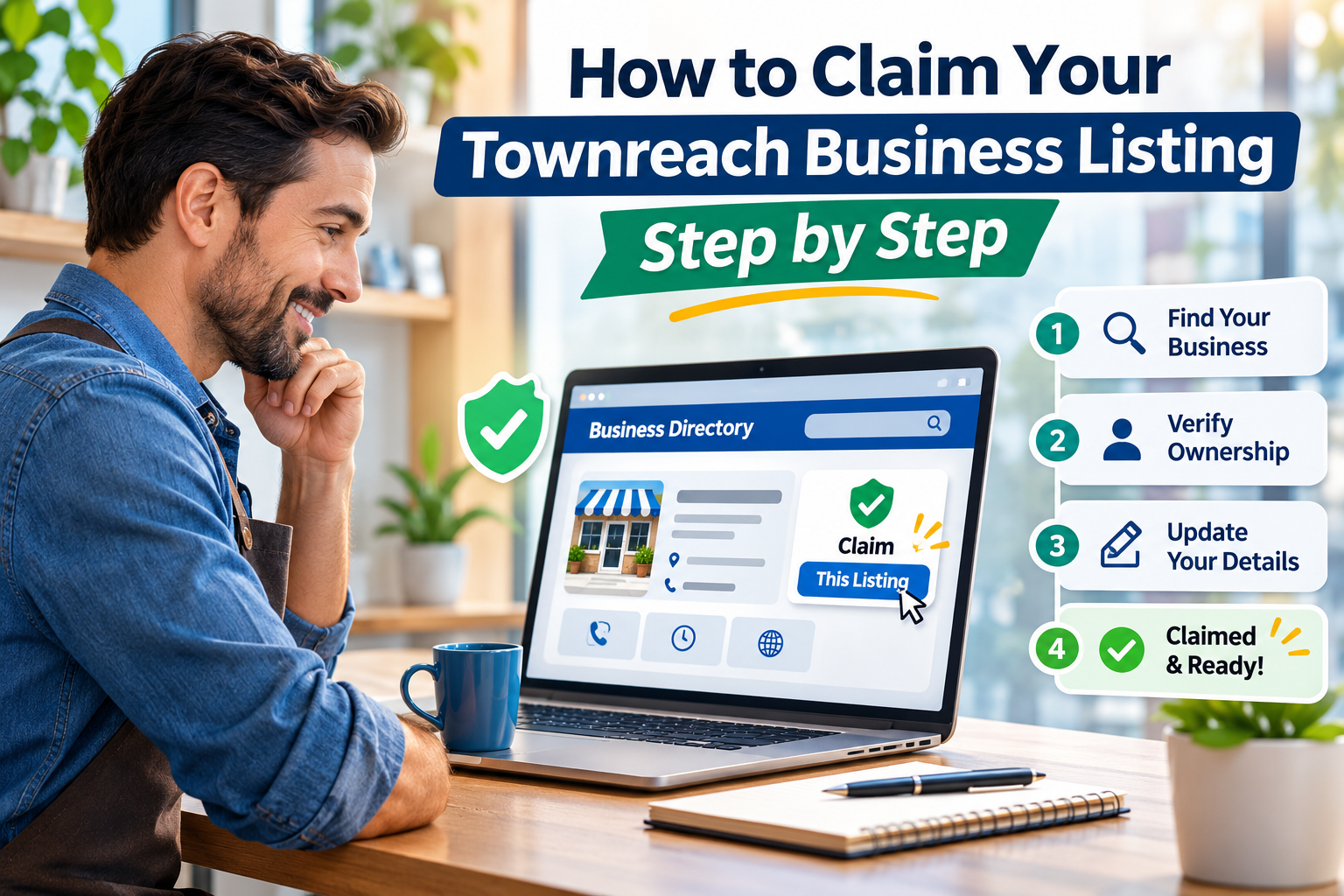
If your business already appears in the directory, claiming the profile is the fastest way to make sure customers see accurate information. Here is how the process works.
Step 1: Find Your Existing Profile
Search for your business name and city, or browse the category where your business belongs. Check for duplicates too, since a business that moved or rebranded may appear more than once. Note the profile link, which helps the team locate it quickly.
Step 2: Contact the Team to Claim It
Send a request through the contact page with your business name, the profile link, and your role at the company. The team may ask for details that confirm you are authorized to manage the listing, such as a business email address or matching website. Verification protects owners from unauthorized changes.
Step 3: Complete Every Section
Once your claim is confirmed, fill in the details customers use most:
- Accurate name, address, and phone number that match your website.
- Business hours, including seasonal or holiday changes.
- A plain-language description of your main services.
- Your service area if you travel to customers.
- Real photos of your work, team, or storefront.
Choose the category that describes your primary service. Our overview of directory services explains how profiles and categories work together.
Step 4: Keep It Current
A profile is only helpful when it stays accurate. Set a reminder to review it every few months, and update it right away when you change hours, phone numbers, or services. Consistent details across your website and other listings make it easier for customers to trust what they see.
Mistakes to Avoid During Setup
Owners often rush through setup and leave sections blank, which makes a profile look abandoned. Others copy a long block of marketing text from their website that never explains what the business actually does. Keep descriptions short and specific, such as listing your top three services and the neighborhoods you serve. Avoid stuffing the profile with keywords or city names, since customers notice and it reads poorly.
Another common mistake is using a personal phone number that no one answers during business hours. Choose a number that reaches someone who can schedule work or answer questions, and test it after publishing.
Take Control of Your First Impression
Claiming your listing takes little time and protects the details customers depend on. Find your profile, request the claim, complete every section, and review it regularly so your business is easy to choose.
Frequently Asked Questions
How long does it take to claim a Townreach listing?
Timing depends on how quickly ownership can be confirmed. Requests with a clear profile link, your role, and matching business contact details are usually easiest to process. Contact the team through the contact page to start, and respond promptly if they ask for more information.
What if my business appears twice in the directory?
Mention both profile links in your request and explain which one is correct. Duplicate listings can confuse customers, so the team can help merge or remove the extra profile after confirming your ownership and the accurate details. Clear information speeds things up.
Can I change my business category after claiming?
Yes. If your current category does not describe your main service, request a change. Choosing the category customers would naturally browse for your service helps your profile appear where people are already looking. Accurate categories help customers find you. Update it promptly.
Do I need a website to claim my listing?
A website is helpful but not always required. The team may use other ways to confirm ownership, such as a business email or phone verification. Ask about options in your claim request if you do not have a website. Ask about alternatives in your request.

